❧amoliDownload

Pick a theme. Amoli fills it.

More than thirty themes, each with its own shape, made from your own photos and clips.

Download on the App Store

A theme for how you live

Today Story. This Past Week. Food Passport. My Trip. Breakfast Club. Blast From The Past. Mini Vlog. Zen Garden.

Each theme is a finished design, with its scenes, its music and its words already set. Tap Food or Calm to see only the themes of that kind. You only see themes your library can fill today.
A theme tile with the demo photos in it

See it before you make it

Every theme shows itself with your own pictures already in it, so you know what you’ll get before you tap.

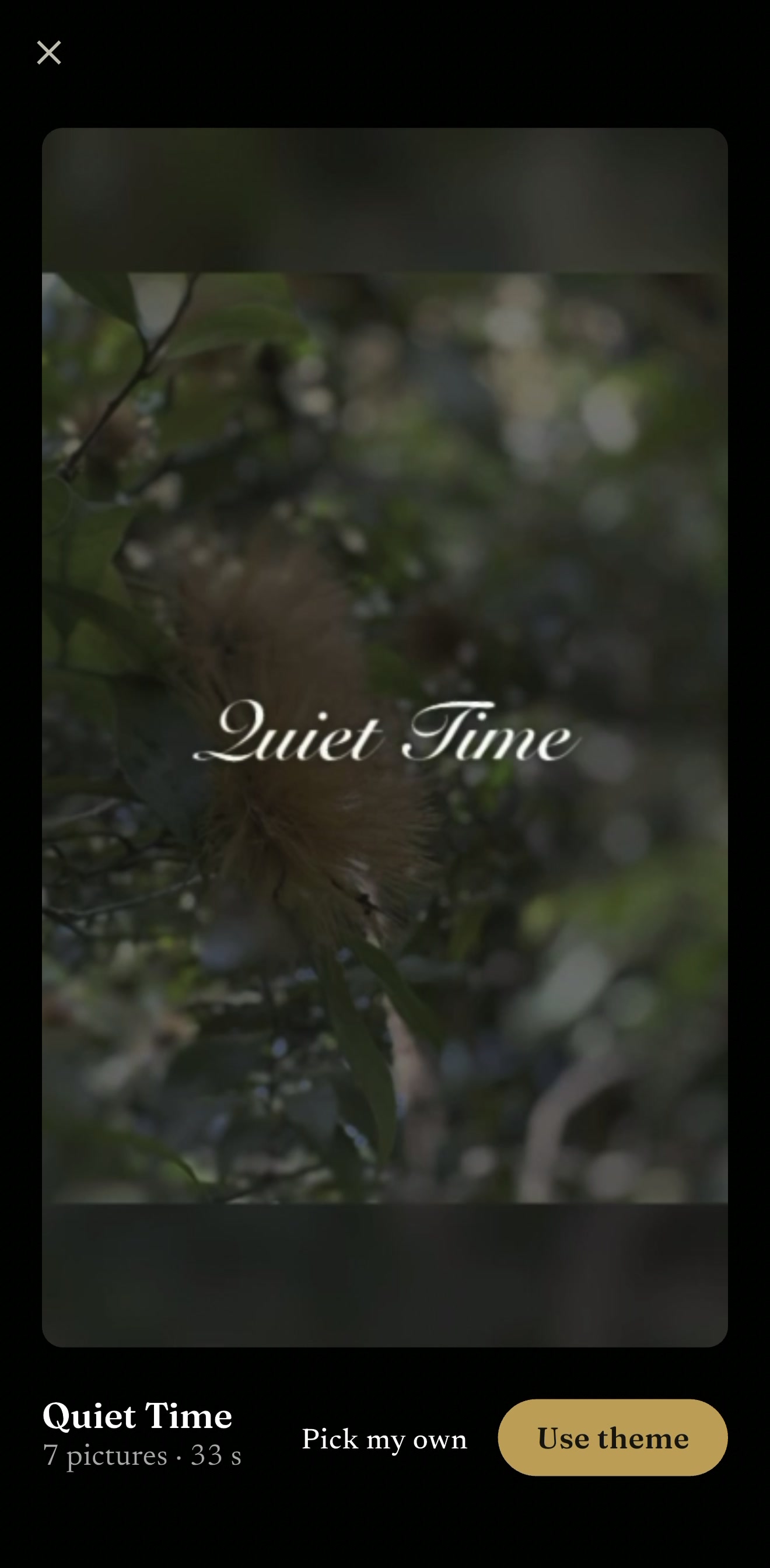
Open one to see it full screen, with how many pictures it takes and how long it runs. Swipe to the next one. When you like what you see, tap Use theme, and the video is made and kept.

Yours to change

Use the theme as it comes, or tap Pick my own and choose every picture. The theme shows each place to fill, how long it lasts, and whether it takes a photo or a clip.

When the video is made, open it in the editor and change anything: the pictures, the words, the music, the timing.

Cut to the music

Some themes cut on the beat of their track, so each picture lands with the music. Turn that off and the theme keeps its own timing.

One theme, Lines, leaves the words to you. It opens with lines to fill in, and you write each one while the video plays.

Questions

Why don’t I see every theme?
You only see the themes your library can fill today. More appear as Amoli reads more of your photos.
Can I choose the pictures myself?
Yes. Tap Pick my own and the theme shows each place to fill, how long it lasts, and whether it takes a photo or a clip.
Can I change a theme’s music or words?
Yes. Open the finished video in the editor and change anything: the pictures, the words, the music, the timing.

Make your first video today.

Download on the App Store

Free for thirty days.

Download on the App Store